
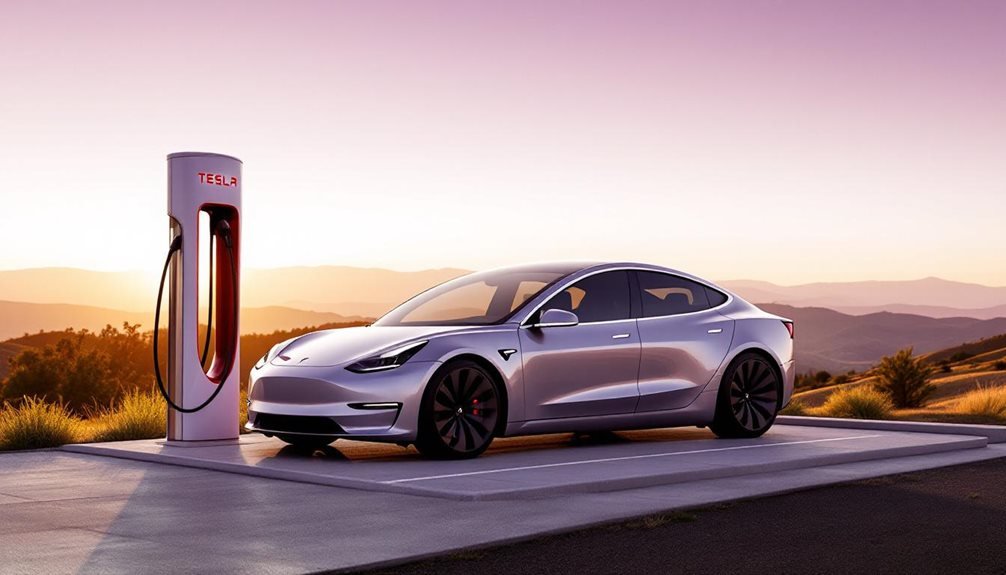
Tesla software updates typically take about 30 minutes to complete, though your mileage may vary. The process splits into two phases: downloading (which needs Wi-Fi) and installation (which doesn’t). Your internet speed can make or break the timeline—weak Wi-Fi means you’re stuck waiting longer. Some updates drag on past the 30-minute mark because, well, technology isn’t always cooperative. The specifics depend on several factors that can either speed things up or slow them down considerably. Additionally, if you have scheduled a service appointment, you might want to check the tesla service waiting time details, as they can vary based on the nature of the service required. Keeping your vehicle updated can also help minimize any potential issues during these appointments. It’s always best to plan ahead and remain informed about your vehicle’s needs to avoid any unexpected delays. Additionally, it’s important to keep in mind how preconditioning affects battery life, as heating or cooling the battery can draw extra power during the update process. If your vehicle is maintaining optimal battery temperatures, it can enhance efficiency and potentially shorten update times. Always make sure your Tesla is plugged in if you anticipate updates during extreme weather, as it can help mitigate any adverse effects on performance.
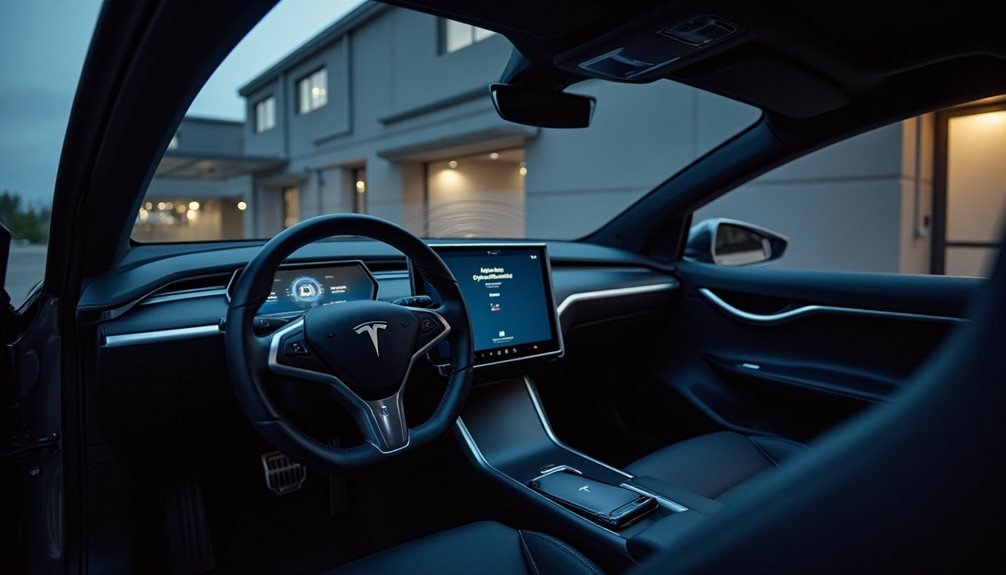
How long does a Tesla software update actually take? The straightforward answer is about 30 minutes for most updates, though some decide to take their sweet time and run longer. That’s assuming everything goes smoothly, which, let’s be honest, doesn’t always happen.
The whole process breaks down into two distinct phases. First comes downloading, which requires Wi-Fi and can vary wildly depending on your connection strength. Then there’s installation, which mercifully doesn’t need Wi-Fi but demands your car stays put in Park mode. No driving allowed during this phase – Tesla isn’t messing around here.
Getting an update started involves tapping that yellow clock icon on your touchscreen and selecting “Install Now” or scheduling it for later. You can reschedule updates hourly if the timing doesn’t work, but here’s the catch: if you’re driving when a scheduled update is supposed to start, it cancels automatically. The car won’t risk your safety for new features.
Tesla prioritizes driver safety over convenience – scheduled updates automatically cancel if you’re behind the wheel when installation time arrives.
Several factors influence how quickly updates arrive and install. Your software version, vehicle model, and where you live all matter. Tesla rolls updates out regionally, so patience becomes mandatory. Advanced update preferences get you early access, while Standard settings delay releases. Wi-Fi strength directly impacts download speed, making a solid connection essential.
Certain modes block updates entirely. Keep Climate On, Dog Mode, and Camp Mode all prevent installation until deactivated. Charging pauses during installation as power gets redirected, but resumes afterward automatically.
Update eligibility depends on multiple variables beyond your control. Regional rollout timing varies markedly, and hardware limitations might restrict access to advanced features on older vehicles. Safety-related updates remain prioritized regardless of your preferences, and Tesla may force critical installations even with Standard settings enabled.
Post-installation, charging resumes automatically and Wi-Fi reconnection speeds up future downloads. Manual restarts might be necessary if multiple updates queue up or issues arise. The process is generally reliable, but occasional hiccups remind owners that technology isn’t perfect. Tesla’s extensive updates are specifically designed to enhance vehicle performance and add new features to your car. After completing an update, Tesla displays release notes explaining new features and changes accessible through Controls > Software. Tesla updates maintain this streamlined integration approach across different vehicle functions, ensuring that essential features like the touchscreen interface remain consistently accessible without requiring third-party applications. Most updates complete smoothly within that 30-minute window, delivering new features worth the brief inconvenience.
Frequently Asked Questions
Can I Drive My Tesla While a Software Update Is Installing?
Tesla doesn’t mess around with software installations. The car simply won’t move during updates. Period. Tesla blocks all driving functions when installation begins, forcing owners to park and wait. This strict policy ensures that all systems are fully functional and up-to-date, providing the safest driving experience possible. Given the complexity of the technology involved, one might wonder how many moving parts in Teslas are affected by these updates. As software increasingly manages more functions, the integration of updates is crucial for maintaining performance and safety standards.
Some people report brief screen blackouts during the process, but that doesn’t mean driving becomes magically safe. Try to drive anyway? The system cancels the update or throws errors.
Tesla’s pretty serious about this safety rule.
What Happens if My Tesla Loses Power During an Update?
Tesla’s basically bulletproof when power dies during updates. The system automatically pauses everything, won’t overwrite completed data, and chargers might even disconnect themselves to save juice. Pretty smart, actually. This level of precaution helps ensure that the vehicle retains functionality and doesn’t lose important information. If you’re curious about how these features impact overall performance, “tesla battery lifespan explained” delves into how smart management during updates contributes to long-term battery health. With innovative technologies like these, Tesla not only enhances user experience but also maximizes the longevity of its vehicles.
Once power’s restored, updates pick up where they left off. The software uses atomic operations and integrity checks, so corruption isn’t really a thing. Tesla Support can fix the rare glitches remotely.
Do Tesla Software Updates Use My Home Wi-Fi Data Allowance?
Yes, Tesla software updates absolutely consume home Wi-Fi data allowance. These over-the-air updates download entirely through Wi-Fi networks, not cellular data.
Update sizes vary markedly – no official numbers exist, but they’re substantial enough to matter. Faster Wi-Fi speeds like 350 Mbps help, but the data still counts against personal bandwidth limits.
Tesla doesn’t magically bypass data usage just because it’s fancy.
Can I Schedule Tesla Software Updates for a Specific Time?
Tesla owners can schedule software updates for specific times, but only through the car’s touchscreen—not the mobile app. A yellow clock icon lets drivers set installation times or reschedule as needed.
Here’s the catch: drive during the scheduled time and the update cancels automatically. The car must stay parked for the full installation, which typically takes thirty minutes.
Will Software Updates Void My Tesla Warranty?
Tesla’s official over-the-air software updates won’t void the warranty. Actually, they’re considered essential for maintaining vehicle performance and safety. These updates not only enhance features but also address any bugs or security vulnerabilities that may arise over time. As Tesla customers review their options, it’s important to consult the tesla vehicle warranty details to fully understand the coverage and benefits associated with their vehicles. Staying updated through these software enhancements can significantly improve the driving experience and overall satisfaction.
The catch? Any unauthorized firmware tweaks or third-party modifications absolutely can void coverage on affected components.
Tesla’s pretty clear about this – stick to their official updates and you’re fine. Start messing with unauthorized software changes, and warranty claims might get denied if issues trace back to tampering.