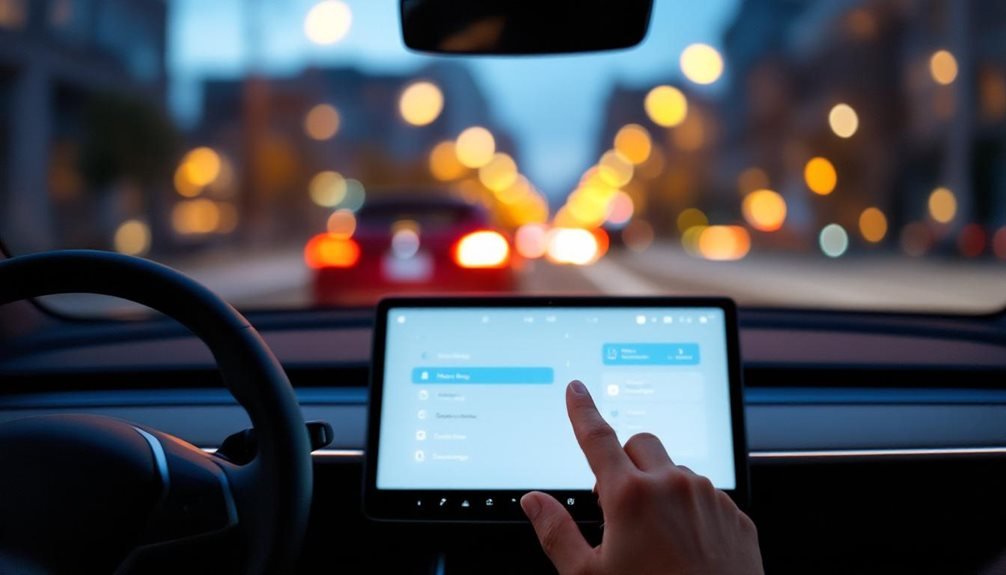
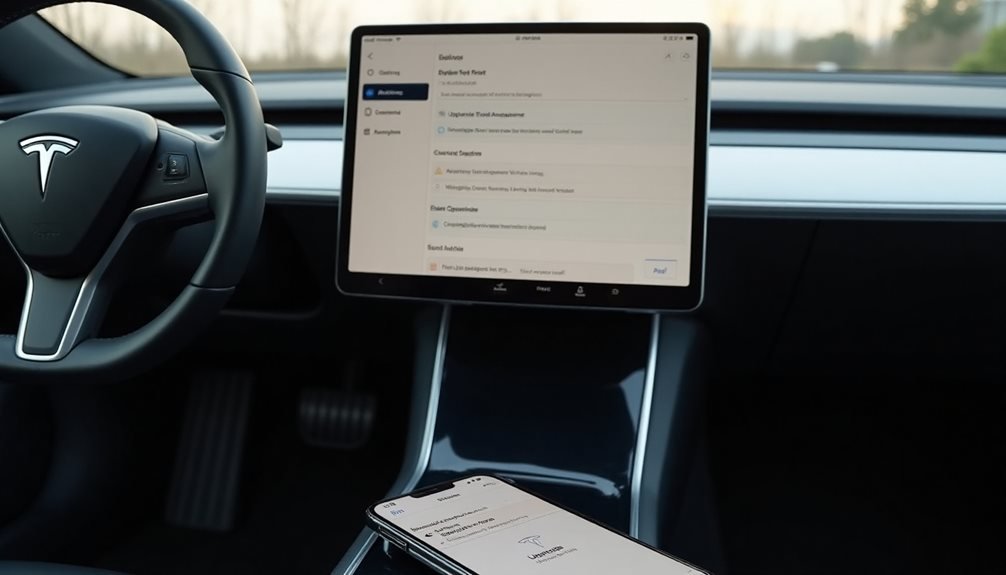
Tesla doesn’t make canceling Premium Connectivity painfully obvious, but the process is straightforward enough. Users can cancel through the Tesla app by steering to Upgrades > Manage Upgrades > Cancel, or through their Tesla web account under the subscription section. The vehicle’s touchscreen also works via Controls > Software > Manage Upgrades. The $9.99 monthly subscription stops billing once canceled, though live traffic and streaming disappear immediately. There are additional considerations worth knowing.
Tesla’s Premium Connectivity subscription costs drivers $9.99 monthly or $99 annually, plus taxes, for features like live traffic visualization and streaming over cellular networks. When owners decide they’re done paying for fancy car internet, canceling requires actual effort. Tesla doesn’t make it impossible, but they certainly don’t roll out the red carpet either.
Tesla charges $9.99 monthly for premium car internet, then makes you jump through hoops to cancel it.
The Tesla app offers the most straightforward cancellation path. Users steer to Upgrades, then Manage Upgrades, select Premium Connectivity, and hit Cancel Subscription. They’ll need to pick a reason because Tesla wants to know why drivers are abandoning their premium internet dreams.
The web browser method works similarly—log into the Tesla account, click Manage, then Details, find the subscription section, and cancel. Even the vehicle itself handles cancellations through Controls, Software, then Manage Upgrades. Similar to how Tesla integrates features for opening the trunk, the cancellation process uses the vehicle’s touchscreen interface for seamless operation.
Third-party options exist for those who prefer nuclear approaches. Credit card companies can block payments to Tesla services entirely. Removing a vehicle from an owner account typically triggers automatic subscription cancellation, which happens frequently during sales. Tesla customer support handles cancellations over phone or email, though wait times vary wildly.
Factory resets create interesting complications. The process doesn’t automatically terminate subscriptions, meaning manual cancellation remains necessary. Otherwise, drivers might find themselves paying for connectivity on cars they no longer own.
Vehicle transfers require careful attention—canceling before ownership changes prevents billing nightmares. Users can also change payment method and billing address for subscription adjustments through their account settings.
Post-cancellation reality hits immediately. Live traffic disappears. Satellite maps vanish. Streaming music and video revert to Wi-Fi dependency only. Navigation still works, but drivers lose the cellular magic that made highway trips feel futuristic. Owners should verify their internet connection remains stable to ensure the cancellation process completes without interruption.
Security updates continue flowing regardless of subscription status, which provides some comfort.
Tesla sends email confirmations after successful cancellations. Smart owners verify these notifications arrive and check that other subscriptions like Full Self-Driving remain unaffected.
Used vehicle buyers inherit previous owners’ connectivity only if subscriptions stay active, creating awkward situations when services suddenly disappear.
New vehicles include trial periods that auto-renew without intervention. Monthly payments occur on subscription start dates while annual subscriptions bill upfront. Local taxes calculate automatically, adding insult to injury for budget-conscious drivers reconsidering their premium connectivity choices.
Frequently Asked Questions
What Happens to My Downloaded Maps After Canceling Premium Connectivity?
Downloaded maps stay put after canceling Premium Connectivity. Tesla doesn’t yank the mapping data already stored in the vehicle’s system. The maps remain functional for basic routing and directions.
Here’s the catch though – real-time traffic updates, live routing changes, and fresh map data downloads get cut off. So drivers keep their existing maps but lose the flexible, constantly-updated features that made Premium worth paying for.
Can I Re-Subscribe to Premium Connectivity After Canceling?
Yes, drivers can absolutely re-subscribe to Premium Connectivity after canceling. The process is straightforward through the Tesla app—just browse to Upgrades, then Manage Upgrades, and select Premium Connectivity. Payment methods get verified during reactivation.
However, there’s a catch. Post-2024 subscriptions follow updated terms, meaning some features like free Spotify in Europe are gone forever.
Previous subscribers lose legacy perks upon renewal.
Will Canceling Affect My Over-The-Air Software Updates?
Canceling Premium Connectivity won’t mess with over-the-air software updates. Those keep flowing through Standard Connectivity, which runs for eight years on Model 3 and Y vehicles. Security patches, firmware updates, system improvements – all still arrive as usual.
The subscription only affects premium features like satellite maps and live traffic data. Software delivery operates independently from the Premium subscription status, so updates continue regardless.
Do I Get a Refund for Unused Premium Connectivity Subscription Time?
No refunds for unused premium connectivity time, period. Tesla’s policy is crystal clear – subscriptions can’t be prorated under any circumstances.
Whether someone has eleven months left on an annual plan or just started yesterday, the full remaining balance gets forfeited upon cancellation.
No exceptions for hardware changes, vehicle trades, or early termination. It’s a standard subscription model that prioritizes convenience over customer flexibility.
Can I Still Use My Phone’s Hotspot for Internet Connectivity?
Yes, phone hotspots work with Teslas. Users can connect their car to their phone’s WiFi hotspot for basic internet access. Streaming services like Netflix and Spotify function fine this way.
However, Tesla’s premium features like satellite maps and improved traffic visualization remain locked behind the subscription paywall. The hotspot fundamentally becomes a workaround, not a replacement.
Data usage depends on the owner’s mobile plan limits.