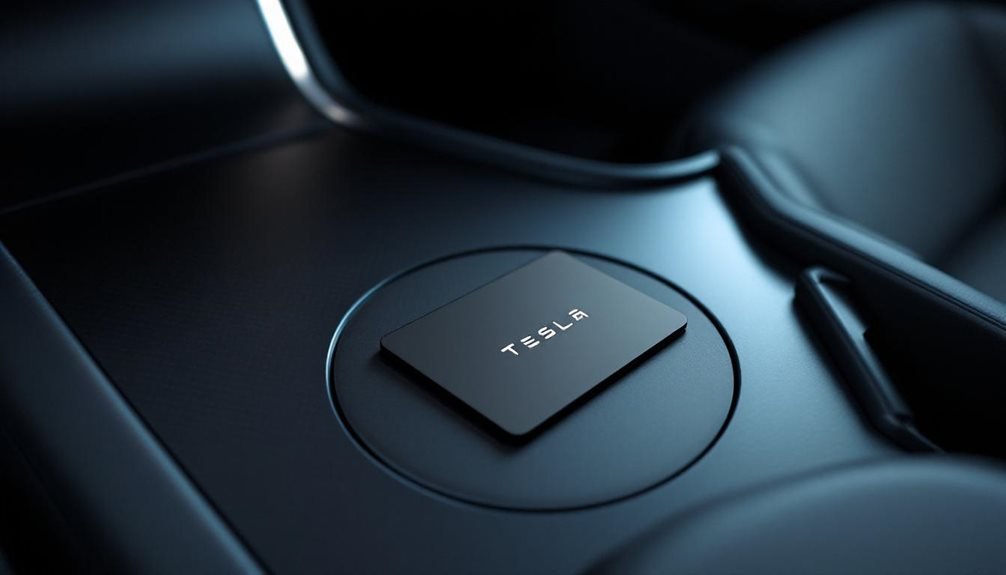

Programming a Tesla key card isn’t rocket science, but it does require an existing authorized key and access to the vehicle’s touchscreen. Get to Controls > Locks > Keys > Add Key, then place the new card behind the cup holders for Model 3/Y or at the top of the left phone charger for Model S/X/Cybertruck. The system needs the existing key for authorization—Tesla’s way of preventing random people from programming their own keys. Success happens silently without fanfare, and the specific placement techniques can make or break the process.
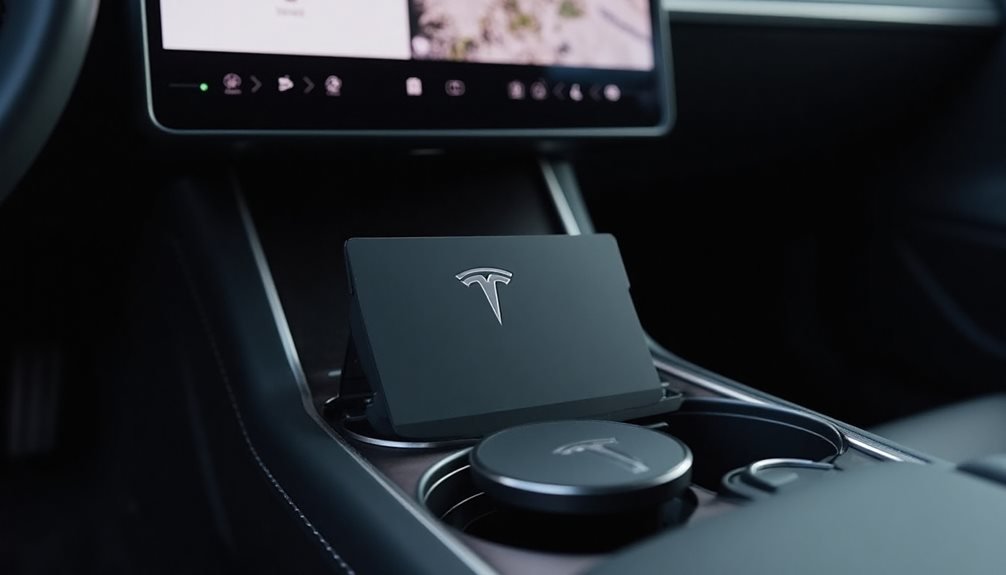
Programming a Tesla key card isn’t rocket science, but it’s not exactly intuitive either. Tesla decided to make things interesting by requiring you to have at least one working key to add another one. Smart security move, terrible timing if you’re down to your last card.
First things first: you need genuine Tesla key cards. No knockoffs from sketchy websites will work here. Tesla’s encrypted NFC communication doesn’t mess around with third-party attempts. You’ll shell out $25 per set through Tesla’s official channels, and delivery takes 3-5 business days. Plan ahead, people.
Make sure your vehicle software is updated to the latest version before starting. Tesla loves their over-the-air updates, and key programming features might be buried in the newest release.
The process varies depending on your model, because why would Tesla keep things simple?
For Model 3 and Y owners, steer through to Controls > Locks > Keys > Add Key on the touchscreen. Place the new key card behind the cup holders on the center console during the initial scan. The location matters more than you’d think.
Model S, X, and Cybertruck owners get a different dance routine. Access the same menu path, but position your new key card at the top of the left phone charger with the front facing downward. Then perform a downward swipe motion against the sensor area. It’s like a secret handshake, but with plastic.
Here’s where all models reunite: after the initial scan, you’ll need to scan an existing paired key for authorization. This dual-key requirement prevents random people from programming keys while you’re getting coffee.
New keys appear in the key list instantly after successful pairing. Don’t expect a confirmation message after completing the process, as Tesla’s interface updates silently.
Tesla throws in some decent customization options afterward. You can rename keys using the pencil icon, assign them to specific users, and maintain an audit trail of active keys. Lost or stolen keys can be remotely deactivated through your Tesla account. Key cards can also be paired using the Tesla app for added convenience.
If you lose all your keys, contact Tesla service centers. They’ll sort you out, though your wallet might feel lighter afterward. Understanding Tesla’s key card protocol documentation can help security researchers analyze the encrypted communication systems that make this whole process work.
Frequently Asked Questions
Can I Program Multiple Key Cards for One Tesla Vehicle?
Yes, Tesla vehicles support up to four key cards per vehicle. Most new Teslas come with two cards from the factory.
Programming additional cards is straightforward—just access Controls > Locks > Add Key on the touchscreen. You’ll need an existing programmed card to authorize new ones.
Each card works exclusively for that specific vehicle.
Tesla service centers handle total key replacement if all cards are lost.
What Happens if I Lose My Programmed Tesla Key Card?
Losing a programmed Tesla key card isn’t the end of the world, but it’ll hit the wallet. If there’s another working key around—whether it’s a card, fob, or phone—programming a replacement is straightforward through the vehicle’s “Add Key” menu.
No backup key? That’s when Tesla Service gets involved, and they’ll charge accordingly.
The old lost card can be deactivated through key management settings, so security isn’t completely compromised.
How Much Does a Replacement Tesla Key Card Cost?
Tesla replacement key cards cost $35 for a two-pack from their online shop. Yeah, they bumped up the price from $25 recently.
You can grab them directly from Tesla’s website or maybe through service centers, though you’ll want to double-check pricing at local spots.
No solo cards here – they only sell them in pairs, which is actually smart for backup purposes.
Can Tesla Key Cards Work if the Car Battery Is Dead?
Tesla key cards become useless paperweights when the car battery dies completely. They need the vehicle’s computer systems running to process NFC commands, and no power means no processing.
Dead key fobs can still work as backup scanners, but key cards? Nope. They’re basically fancy credit cards at that point.
Phone keys might still connect via Bluetooth, assuming that’s working.
Is There a Limit to How Many Key Cards I Can Have?
Tesla caps key cards at 19 total keys per vehicle. That’s the hard limit.
Here’s the catch though – only 4 of those can be key fobs.
The rest have to be cards or phone keys.
Want more than 19? Too bad.
You’ll need to delete old keys first.
At least Tesla lets one card work across multiple vehicles without reprogramming. Small mercy.