Tesla’s rolled out its latest 2025.26 software update for the Cybertruck, bringing seven new features to the electric pickup. The most practical addition is the tow limit detection system that’ll warn drivers when they’re hauling too much weight.
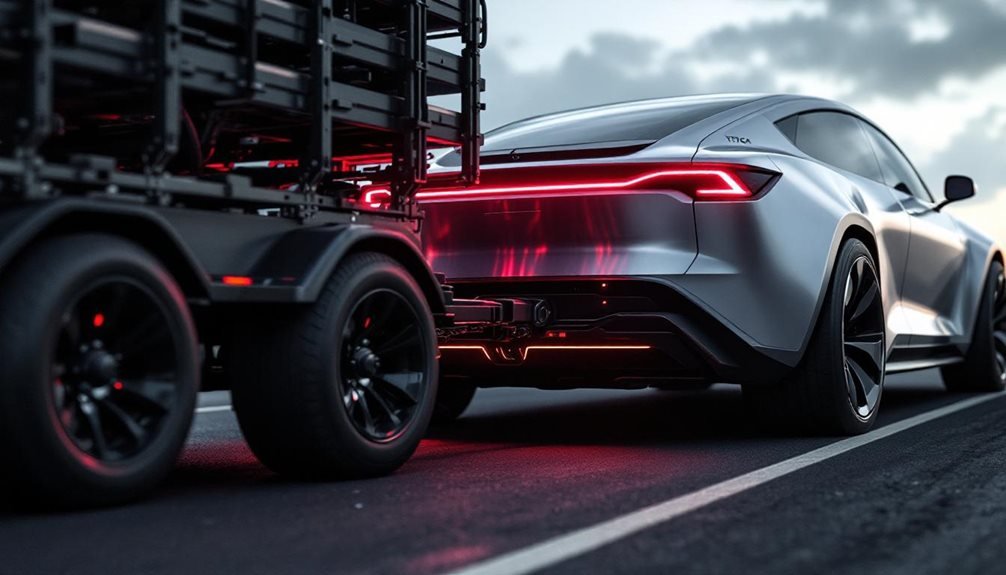
The new tow limit detection feature sends real-time alerts if the vehicle’s load exceeds its rated capacity. This safety tool monitors weight during heavy towing operations and alerts drivers before they damage their truck or create dangerous driving conditions. It’s a Cybertruck-specific feature that wasn’t documented in previous updates. Exceeding the Cybertruck’s maximum towing capacity of up to 11,000 lbs can void the warranty and create serious safety risks.
Real-time tow limit alerts prevent Cybertruck damage and dangerous driving conditions during heavy hauling operations.
Beyond towing safety, the update introduces Grok, Tesla’s dialogue-based AI assistant. Currently in beta, Grok responds to touchscreen taps or voice commands. Users can pick different personalities for the assistant, from informative to humorous. However, Grok can’t control vehicle functions like routing or climate settings. The feature requires Premium Connectivity or a Wi-Fi connection.
Entertainment gets an upgrade with Light Sync improvements. The Cybertruck’s accent lights now pulse with music beats and match colors to album artwork. Drivers can control this feature through the Toybox menu under Light Sync. It’s available on Cybertruck and newer Model S and Y vehicles. The system includes a rave cave mode that significantly increases light brightness synchronized with the music’s rhythm.
The dashcam system received several enhancements. Users can now adjust playback speeds for recordings and view clips in a grid layout. The update offers both full-screen and original-size video options, plus better rearview camera management. These changes make organizing and reviewing footage easier.
Charging site information got more detailed too. The charger list displays valet and pay-to-park icons. When drivers arrive, they’ll see access codes, parking level information, and restroom availability. The system also shows parking restrictions upfront.
Audio customization expanded with multiple equalizer presets users can define themselves. Tesla moved audio settings to a new location under Controls > Audio and made them searchable. This lets drivers create tailored sound profiles.
The update includes security patches to protect user data and adds Supercharger live activity tracking. It bundles FSD packages 12.6.4 and 13.2.9, providing real-time charging availability alerts and protection against unauthorized access. For new Tesla owners, the system provides an onboarding guide that walks them through driver settings and controls.