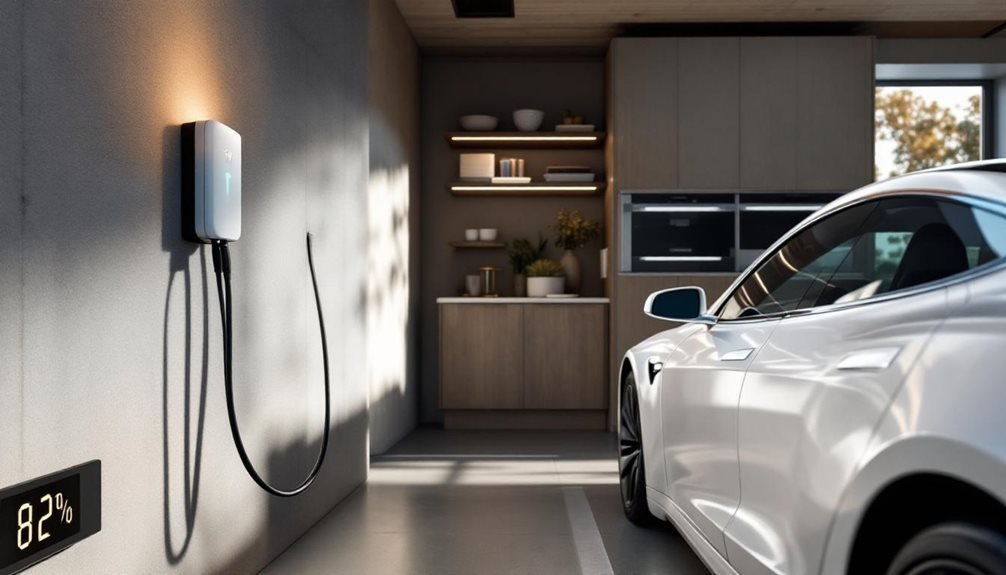
Tesla charging isn’t rocket science, but most owners still mess it up. Keep daily charges between 20-80% for battery longevity. Charge to 100% only for road trips or monthly calibration sessions. Newer 2022+ LFP batteries handle full charges better than older models. Home charging beats public DC fast chargers for routine use. Temperature extremes stress batteries, so Tesla’s automatic heating and cooling systems work overtime. Grasp these basics and realize why timing matters more than most realize.
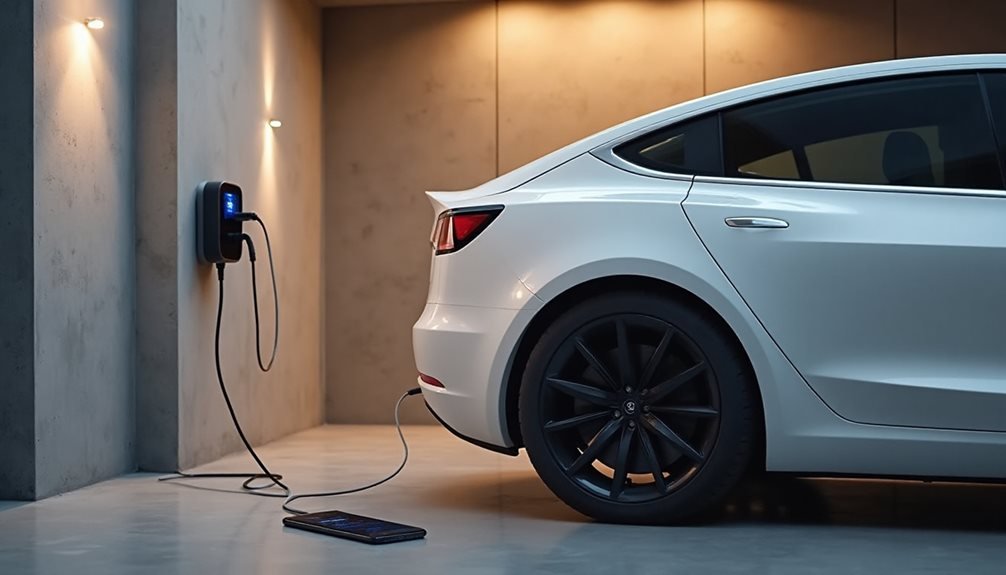
Tesla recommends maintaining charge levels between 80-90% for daily driving. Not rocket science. Reserve those 100% charges for road trips or monthly battery calibration sessions. The battery management system needs that occasional full charge to keep its digital brain functioning properly. Additionally, it’s important to factor in the tesla wall charger installation expenses when planning for convenient charging at home. A properly installed wall charger can significantly enhance your charging experience, ensuring your vehicle always has optimal juice. Investing in this infrastructure not only saves time but also contributes to the longevity of your battery system.
Keep it simple: charge to 80-90% daily, save 100% for road trips and monthly calibration.
Here’s where most people mess up: they think plugging in frequently damages the battery. Wrong. Tesla actually encourages frequent charging, even when the battery isn’t desperate for juice. The scheduled charging feature can time everything perfectly, finishing just before departure. By utilizing the Tesla app, you can easily manage your charging times and set preferences that align with your daily routine. This way, you can schedule Tesla charging efficiently, ensuring your vehicle is always ready to go without any unnecessary wait times. Embracing frequent charging not only maintains battery health but also maximizes your car’s performance for those spontaneous trips.
Battery type matters more than most realize. Pre-2022 vehicles should stick to 80%, while 2022+ LFP batteries can handle 100% regularly. Yellow battery icons appear below 20%, and keeping batteries at that level long-term is asking for trouble.
Superchargers deliver up to 200 miles in 15 minutes during road trips. Impressive, but frequent high-power charging sessions aren’t ideal for battery longevity. The route planner *maximizes* Supercharger stops automatically. Weather and terrain throw curveballs into range calculations, so smart drivers build in buffers.
Temperature management happens automatically. The vehicle heats or cools the battery as needed, sometimes delaying charging until *most suitable* conditions exist. Extreme temperatures combined with very high or low charge levels create problems. Cold weather reduces range retention, while headwinds demolish efficiency estimates.
Home charging wins for routine fills due to lower battery stress. Public DC fast charging requires proper adapter compatibility, particularly CCS1 adapters in certain markets. Mobile connectors provide backup charging at standard outlets when needed. Level 1 charging provides 2-5 miles/hour from a standard household outlet when quick charging isn’t necessary. Building management can explore individual or shared charging options for apartment and condo residents. Consider getting a remote diagnostic check before purchasing any used Tesla to verify the battery and charging system’s health.
The charging port latch should click definitively into place. No click, no charge. Unplugging and replugging can reset stubborn charge cycles. The Tesla app tracks performance and accepts feedback about problematic charging stations. Ensure that the charging port is clean and free of debris for optimal connectivity. For those planning longer trips, it’s useful to consult the tesla destination charging information to locate available charging stations along your route. This can greatly enhance your travel experience and minimize downtime while charging.
Slower charging generates less heat, reducing battery wear over time. The touchscreen allows manual current adjustments for energy *improvement*. Range improvement involves keeping batteries between 20-80% during normal use, avoiding the extremes that stress battery chemistry unnecessarily.
Frequently Asked Questions
Can I Charge My Tesla in the Rain or During Thunderstorms?
Tesla owners can charge in rain, no problem. The cars and charging equipment have waterproof ratings specifically for wet weather. Rain charging? Totally fine.
Thunderstorms? Absolutely not. Tesla explicitly says don’t charge during active storms because lightning can fry the electrical systems through power surges.
Smart owners charge to 100% before storms hit, then wait it out.
Standing water makes everything worse.
How Much Does It Cost to Install a Home Charging Station?
Installing a home charging station runs $500 to $6,500 total.
The Tesla Wall Connector costs $500, but installation’s where things get pricey.
A basic 240V outlet runs $750-$1,500.
Need panel upgrades? Underground cables? That’ll push costs higher.
Distance from your electrical panel matters too.
Federal rebates and utility partnerships can soften the blow, though financing options exist for those who need them.
Will Frequent Supercharging Damage My Tesla’s Battery Long-Term?
Research on 12,500+ Teslas shows frequent Supercharging won’t wreck batteries. Tesla’s Battery Management System handles thermal regulation and current shaping to prevent damage.
The study found no significant degradation difference between heavy and occasional Supercharger users. Tesla claims average 12% capacity loss at 200,000 miles regardless of charging habits.
Modern BMS technology basically makes the old “fast charging kills batteries” worry obsolete.
Can I Use Non-Tesla Charging Stations for My Vehicle?
Tesla owners can absolutely use non-Tesla charging stations. Most public networks like ChargePoint, Electrify America, and EVgo work fine with Teslas.
The catch? You’ll need a CCS adapter for DC fast charging at most non-Tesla stations. Tesla’s North American Charging Standard port isn’t universal yet.
Destination chargers with Type 2 connectors work without adapters. It’s pretty straightforward, honestly.
What Should I Do if My Tesla Won’t Start Charging?
When a Tesla refuses to charge, the owner should first check basic connections—cables might be loose, ports could be damaged, or power sources dead. If issues are still present, it’s wise to inspect the charging station for any faults. Additionally, monitoring the vehicle for unusual signs, such as overheating or a burning smell, is crucial, as these might indicate deeper problems. In some cases, tesla smoking while charging causes may require immediate attention from a professional technician to prevent further damage. If everything appears intact, the owner may want to look for any error messages displayed on the dashboard or in the Tesla app. Additionally, consulting resources online can provide valuable insights, as many common tesla charging issues explained have been documented by experienced owners and technicians. This information can help pinpoint the problem more efficiently and guide the owner towards effective solutions.
Testing different chargers helps isolate the problem. If home charging fails but Superchargers work, the onboard charger likely failed.
High voltage system alerts require diagnostic scans.
Sometimes it’s the Wall Connector blinking error codes, demanding an electrician’s proficiency.