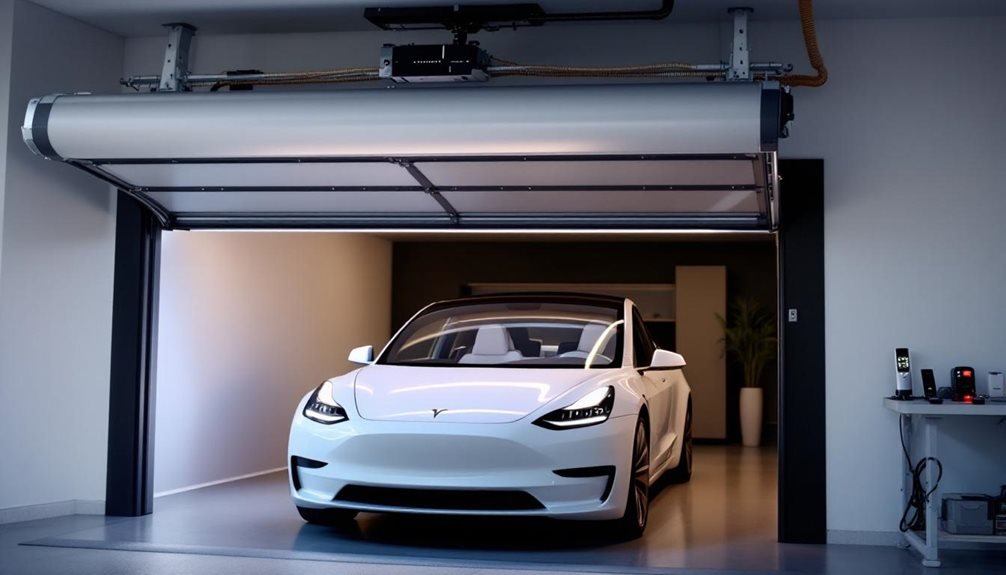
Tesla garage door integration comes in two flavors: the traditional HomeLink system and the newer MyQ feature. HomeLink comes standard in Model S and X, but Model 3 and Y owners often need service upgrades. The 2025 Model Y requires an external receiver because Tesla apparently didn’t think that through. MyQ replaced HomeLink in recent updates, offering GPS automation and smartphone control. Frequency compatibility varies by region, with US models using 315MHz or 390MHz while international versions use 433.92MHz. Programming requires the original garage remote and multiple attempts. Rolling code openers need frequent reprogramming, and Tesla provides zero circuit support. The setup process involves manual wiring, antenna positioning, and hoping everything actually works together without interference. Additionally, users often seek clarification on how to integrate their Tesla with other home systems, particularly when managing multiple smart devices. In the context of charging solutions, the ‘tesla mobile connector explained‘ can help owners understand the different charging options available and how to optimize their setup for home use. Overall, seamless integration demands patience and a willingness to troubleshoot, as the technology continues to evolve.
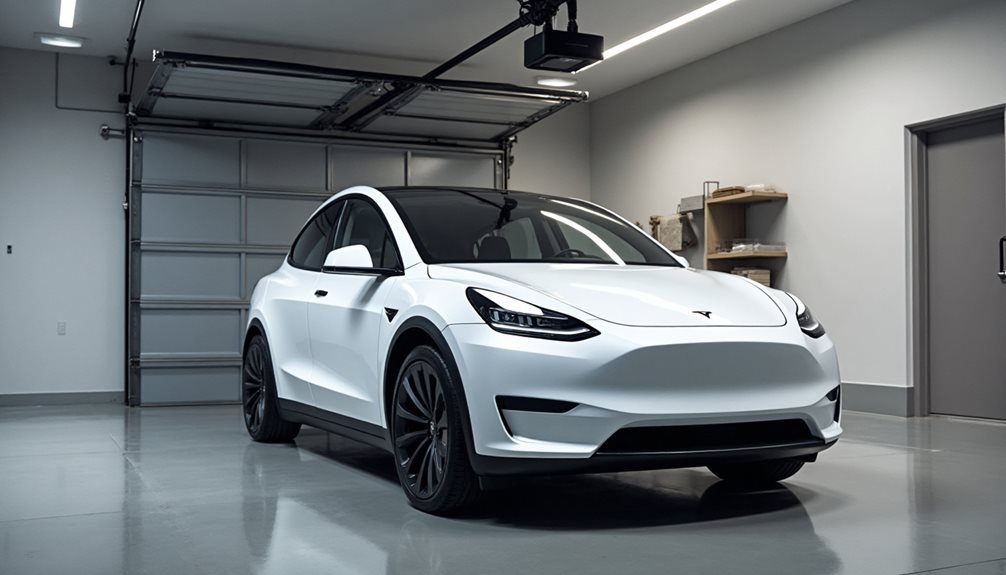
Why does something as simple as opening a garage door become a tech puzzle when Tesla gets involved? What should be straightforward turns into a maze of frequency compatibility, regional variations, and hardware requirements that make rocket science look simple.
Tesla’s HomeLink system comes standard in Model S and X vehicles, but Model 3 and Y owners post-2019 need service center upgrades. The 2025 Model Y throws another curveball, requiring an external HomeLink receiver for full compatibility. Without the HomeLink module, the interface sits dormant. Owners can check availability under Controls > Software > Additional Vehicle Info.
Regional frequency differences create headaches. Non-US markets use 433.92MHz, while US modules operate on 315MHz versus 390MHz. This mismatch means US Tesla HomeLink modules won’t work with non-US receivers. Tesla’s global approach apparently missed this detail.
Programming requires the original garage remote for frequency acquisition. Overhead doors might need specific antenna positioning during setup, because why make it easy? Tesla demands manual input of open and close points via the map during first use. Multiple doors work through a single receiver with distinct frequency channels.
The MyQ integration, introduced in a holiday update, eliminates HomeLink needs for compatible openers. This integration allows Tesla touchscreen control and status alerts through the MyQ app. GPS-based automation opens doors on approach and closes them on departure, assuming everything works properly. Additionally, users can enjoy seamless access to their garage without having to fumble for remotes. For those looking to enhance their Tesla experience further, the tesla valet mode features explained provide an added layer of convenience, ensuring that guests have limited control over the vehicle during their use. This level of customization not only enhances security but also gives owners peace of mind when lending their cars to others.
Technical specs show 433.92MHz frequency supports most garage and gate openers globally. The system offers dual-channel support for two devices simultaneously, with a 10A output rating and 9V-30V DC power tolerance. Installation includes 20cm wiring pairs, coil antenna, and DC connector. The conversion kit typically retails for $44.95 and includes all necessary accessories for setup. Manual wiring is required, and Tesla provides zero technical support for circuit work.
Problems emerge quickly. Parking sensors can erroneously trigger door opening when approaching or leaving. Multiple receivers interfere within the same premises. Rolling opener codes require frequent reprogramming. Tesla offers no warranty coverage for third-party receiver installations.
Third-party receivers from companies like Tessories bypass stock limitations for unsupported garage openers. Online communities provide peer troubleshooting support when official channels fail. Professional electrician consultation becomes necessary for complex installations, turning a simple garage door into an expensive project. These Tesla-compatible solutions often require precise installation tolerances to prevent interference with other vehicle systems. Multiple attempts may be required during the programming process if the garage door doesn’t respond on the first try.
Frequently Asked Questions
Can I Integrate My Existing Garage Door Opener With My Tesla?
Most garage doors can integrate with Tesla vehicles through two main options.
HomeLink offers hardware retrofit for $350, supporting three RF devices but requires service center installation.
MyQ provides software-based integration without Tesla hardware but needs compatible openers and subscription fees.
Both enable automatic opening, remote monitoring, and touchscreen controls. Wi-Fi connectivity is essential for MyQ functionality.
Does Tesla Garage Door Integration Work Without Internet Connectivity?
HomeLink works fine without internet – it’s old-school RF technology that doesn’t need connectivity.
But myQ integration? That’s a different story. It relies entirely on internet to check door status, send commands, and handle auto-open features. No internet means no myQ functions.
Tesla’s pushing internet-based solutions over HomeLink anyway. So yeah, it depends which system you’re using.
What Happens if My Tesla’s Battery Dies While Parked Inside?
A dead Tesla battery creates a perfect storm of inconvenience. The 12V system dies first, killing Homelink garage door controls entirely. No opening doors from inside the car.
The key fob might still work if its CR2032 battery is fresh, but even that becomes unreliable. Basically, the owner’s trapped until they manually open the garage door or call Tesla Service for a jumpstart.
Can Multiple Tesla Vehicles Control the Same Garage Door Opener?
Yes, multiple Tesla vehicles can control the same garage door opener. Pretty straightforward setup, actually.
One myQ subscription covers unlimited Tesla vehicles – no extra fees for adding more cars.
All connected Teslas share the same door opener settings after initial pairing. Each vehicle gets real-time door status on their screens.
The geofencing and auto-open features work across all linked cars too.
Will Garage Door Integration Void My Tesla’s Warranty?
Tesla won’t void your vehicle’s warranty for garage door integration, but here’s the catch. Self-installed HomeLink modules? Zero warranty coverage on those. Mess up the installation and fry something electrical? You’re paying for repairs.
Open up that HomeLink hardware? Kiss its warranty goodbye.
Professional installation through Tesla Service Centers keeps everything covered. DIY might save cash upfront, but could cost more later. When you choose professional installation, you also benefit from expert knowledge that ensures the system functions optimally. Understanding the Tesla Powerwall installation process is crucial for achieving the best results, as it involves specific steps that are tailored to your home’s energy needs. In the long run, the reliability and efficiency provided by trained technicians often outweigh the initial cost savings of a DIY approach. While it may seem tempting to opt for do-it-yourself solutions, the potential risks and complications can lead to significant expenses down the line. Additionally, understanding the importance of professional support, such as reviewing Tesla roadside assistance pricing details, can ensure that you have the necessary coverage in case of unexpected issues. Ultimately, investing in professional installation fosters peace of mind and enhances the overall performance of your Tesla.