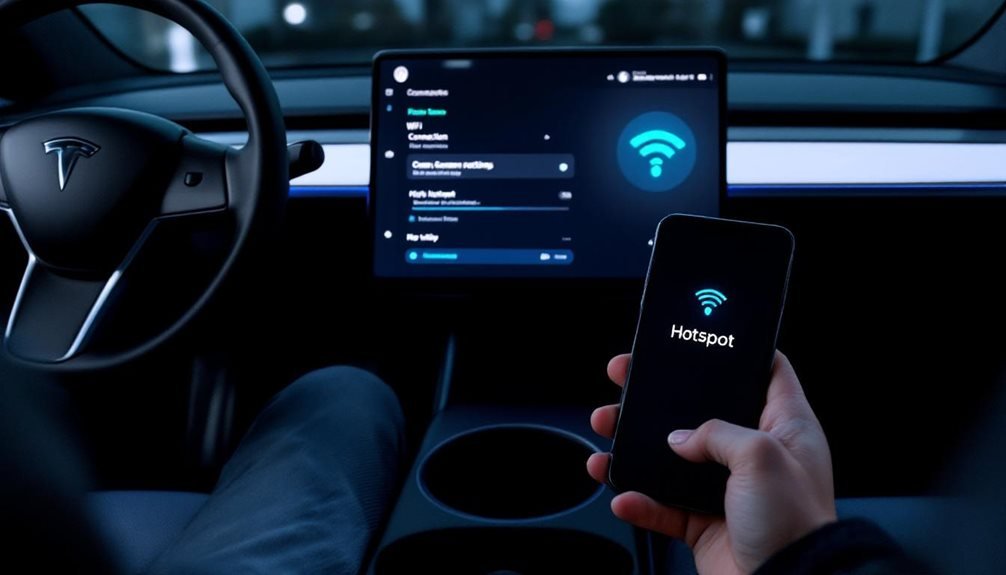
Tesla owners can ditch Premium Connectivity fees by using their phone as an automatic hotspot. Android users get the good stuff—Tasker with AutoHotspot plugin creates seamless automation triggered by Bluetooth connections. iPhone users? Not so lucky. Apple’s restrictions mean manual hotspot management and unpredictable shutoffs. The Tesla saves Wi-Fi credentials for future connections, but software updates love interrupting everything. Unlimited data plans become essential since streaming devours data faster than expected. There’s more to optimizing this setup.
While Tesla’s Premium Connectivity sounds impressive on paper, the reality hits differently when drivers realize they’re paying monthly fees for features their phone already handles.
Monthly fees for features your phone already handles? That’s Tesla’s Premium Connectivity reality check hitting different.
The good news? Setting up phone hotspot automation isn’t rocket science, though it does depend heavily on what device sits in your pocket.
Android users hit the jackpot here. Tasker paired with the AutoHotspot plugin creates a seamless experience that actually works. The setup involves creating profiles triggered by Bluetooth connections – meaning the hotspot fires up automatically when entering the car.
Smart users add a charger condition to prevent battery drain nightmares. When they leave the vehicle, Bluetooth disconnection triggers shut everything down.
It’s sophisticated automation that iOS users can only dream about.
iPhone owners face a different reality. Apple’s ecosystem loves control, which means limited automation options and hotspots that shut themselves off whenever they feel like it. No Tasker equivalent exists, and carrier policies often throw additional roadblocks into the mix.
The result? More manual intervention and frustrated drivers.
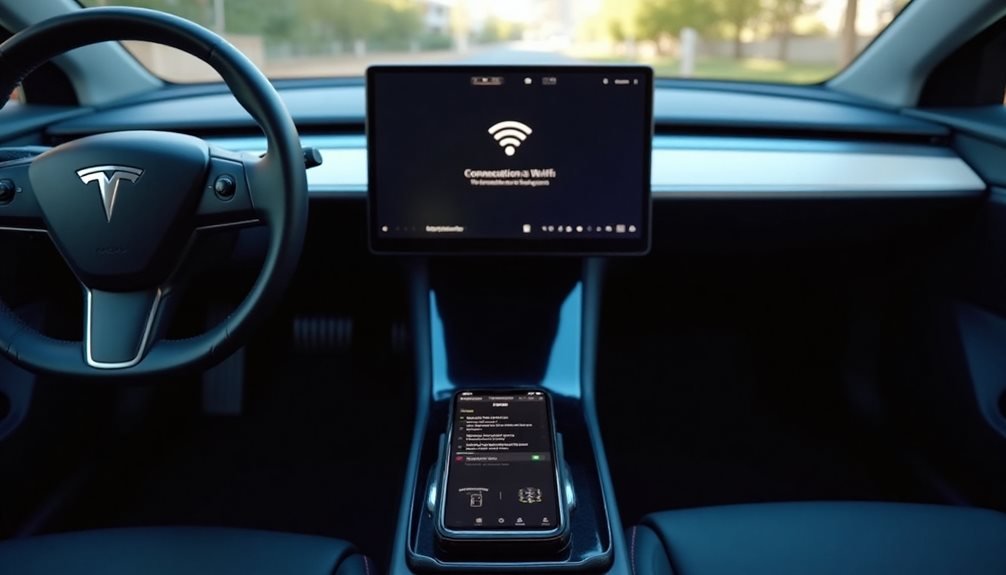
Connecting to Tesla’s system follows standard Wi-Fi protocols. Drivers steer to Controls, then Internet, select their phone’s network, and authenticate.
The Wi-Fi symbol replaces the LTE indicator when everything clicks. Tesla saves these credentials, eliminating future password headaches. Network issues can often be resolved by using the forget network option and reconnecting from scratch.
Data consumption tells its own story. Streaming services devour monthly allowances faster than most people expect. Background updates and casual browsing add insult to injury.
Unlimited plans become necessities rather than luxuries for frequent hotspot users. Premium Connectivity still wins for latency-sensitive applications, but basic internet tasks run perfectly fine through phone tethering. Meanwhile, theater streaming apps become accessible without any premium subscription, providing full entertainment functionality through the hotspot connection.
Technical limitations keep things grounded in reality. Distance and vehicle materials impact signal strength. Tesla’s software updates occasionally break existing connections.
No official API exists for third-party integration, leaving automation enthusiasts to work around manufacturer limitations. While connected, Tesla’s Sentry Mode continues monitoring the vehicle’s surroundings using its integrated camera system for security purposes.
The bottom line? Android users can achieve genuine automation while iPhone users remain stuck with manual processes. Tesla’s own connectivity remains superior for demanding applications, but phone hotspots handle everyday internet needs without monthly fees.
Choose your platform wisely.
Frequently Asked Questions
Does Using My Phone as a Tesla Hotspot Drain the Car’s Battery?
Using a phone as a Tesla hotspot doesn’t drain the car’s battery. The phone runs off its own power source, obviously.
Tesla’s premium connectivity plans and personal hotspot features operate on different power systems entirely. The car’s battery handles Tesla’s built-in connectivity, while the phone’s battery powers hotspot functionality.
Pretty straightforward setup. The vehicle’s energy consumption stays separate from whatever the phone is doing.
Can I Set Data Usage Limits When My Phone Connects Automatically?
Yes, data limits can be set when phones connect automatically. Android’s built-in data usage controls work alongside automation apps like Tasker. Google Datally caps hotspot usage effectively.
Users can set per-app limits or total hotspot allowances. Carrier apps also provide usage alerts. The automation triggers don’t override these safety nets – they just handle the connection part.
Smart move, honestly, since hotspot overages hurt.
Will This Work if My Tesla Is Parked in Underground Garages?
Underground garages are connectivity nightmares. Reinforced concrete blocks cellular signals, making hotspots weak or completely useless. The Tesla might connect, but data crawls at snail speeds through those concrete barriers.
Distance matters too – multi-level structures kill hotspot range fast. Users often find themselves positioning phones right next to their cars, hoping for a decent signal.
Premium Connectivity struggles here too, so hotspots aren’t uniquely terrible underground.
Does Automatic Hotspot Connection Work With All Phone Carriers and Plans?
Automatic hotspot connection doesn’t work with all carriers and plans. Many require specific tethering add-ons or block hotspot use entirely without proper subscriptions. AT&T and Verizon are particularly strict about this.
Data caps are another headache—plans often throttle after 5GB monthly hotspot usage. Even “unlimited” plans usually slow down hotspot speeds after certain thresholds.
Users must verify hotspot capability before attempting setup.
Can Multiple Tesla Vehicles Connect to My Phone’s Hotspot Simultaneously?
Multiple Teslas can technically connect to one phone’s hotspot, but reality hits hard. Most carriers restrict simultaneous connections, and signal interference becomes a nightmare.
Data speeds tank when bandwidth splits between vehicles. Hardware limitations in phone modems create bottlenecks.
Enterprise-grade unlimited plans might handle it, but expect degraded performance. Two cars streaming Netflix while guiding? Good luck with that setup.