Tesla key cards malfunction due to physical damage, dirt buildup, or dead batteries in replaceable models. Most issues resolve by cleaning the card surface, positioning it within two inches of the reader, or updating the Tesla app with location services enabled. Cold weather slows response times, while metal objects create signal interference. Re-pairing through vehicle settings fixes software glitches. When basic fixes fail, Tesla Service Centers handle reprogramming—though several additional solutions exist for persistent problems.
Tesla key cards fail. That’s just reality. One moment you’re walking to your Model 3 like some tech-savvy superhero, the next you’re standing there like an idiot, waving a piece of plastic at an unresponsive door handle.
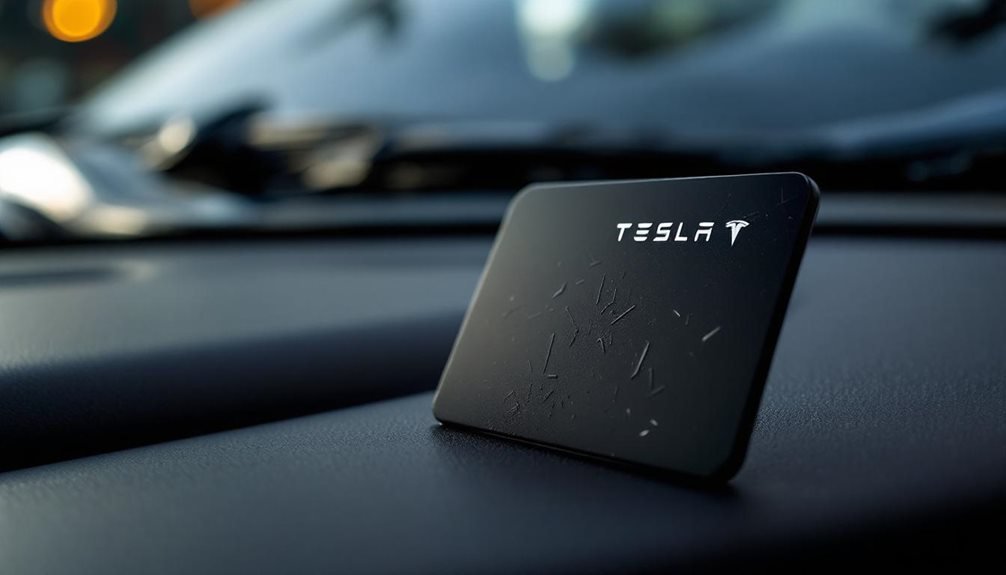
First thing to check? The card itself. Cracks and bends mess with the circuitry. Those faded RFID strips aren’t just cosmetic damage—they’re signal killers. If your card looks like it went through a blender, that’s probably your problem right there.
If your Tesla card looks like it survived a tornado, congratulations—you’ve found your problem.
Storage matters more than people think. Keeping your Tesla card next to keys or tucked against metal objects in your wallet blocks RFID signals. Metal is basically kryptonite to these things.
Clean the surface too. Dirt and debris affect reader detection, because apparently these cards are as finicky as they are expensive.
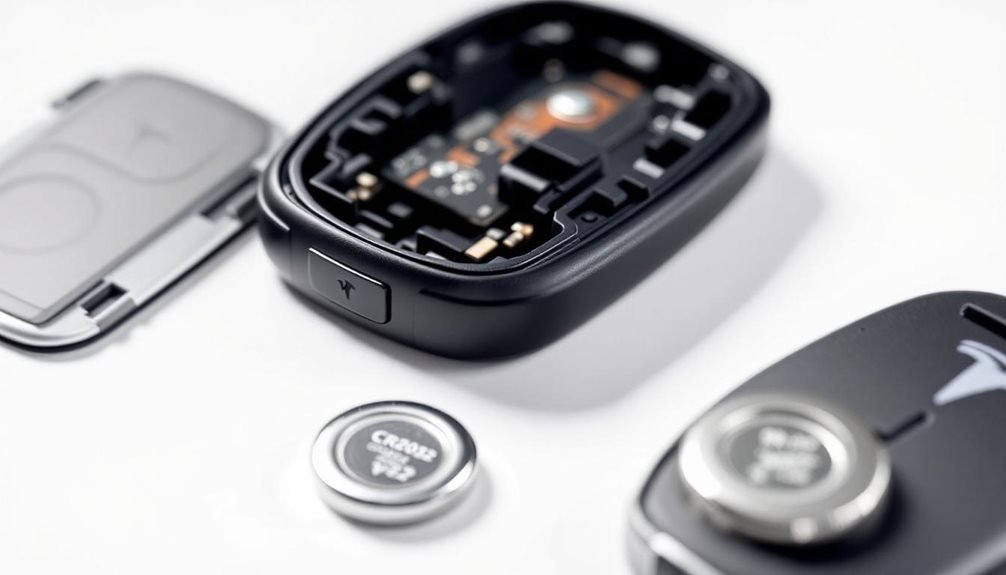
Some older models have replaceable batteries. Yeah, batteries. In a card. Check if yours uses a CR2025 and replace it if it’s dead. Modern problems require oddly retro solutions.
When hardware fails, go digital. The Tesla app can operate your vehicle when the card throws its tantrum. Compatible Android devices work as key replacements. Some models even have traditional key fobs, if you’re into that whole analog backup thing. Apple Wallet integration exists too, because why not add another layer of complexity.
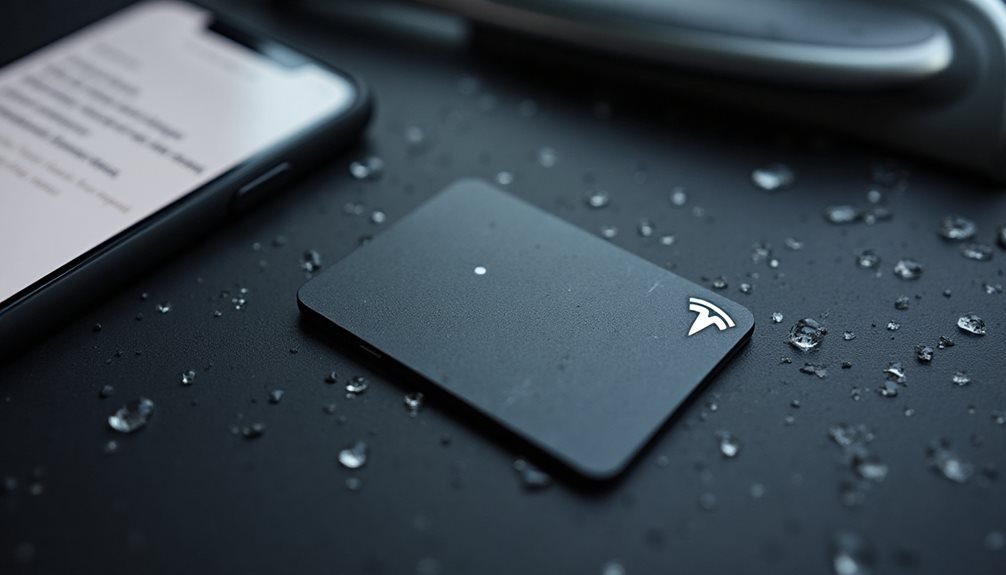
Environmental factors play spoiler. Cold weather slows response times. Moisture exposure damages circuits. Keep the card within two inches of the reader—not rocket science, but apparently worth mentioning.
Software issues crop up constantly. Update the Tesla app and firmware. Enable location services to “always on” for proximity detection.
Sometimes a simple vehicle reboot fixes everything, because turning it off and on again works for cars now too.
Clean the exterior card reader. Position the card correctly on the reader area. If pairing fails repeatedly, re-pair through the app or vehicle settings. If complete replacement is needed, you can purchase new key cards from the Tesla Shop and pair them using the vehicle’s touchscreen. If proximity detection still fails, touch the card on the B pillar sensor as some models require this specific placement for activation.
When all else fails, visit a Tesla Service Center for professional reprogramming.
Extreme temperatures, signal interference from electromagnetic devices, and third-party apps can all sabotage functionality. Check that Keyless Entry mode is enabled in your vehicle settings, since the card won’t work without this feature activated. Sometimes the solution is stupidly simple. Sometimes you need professional help.
Frequently Asked Questions
How Much Does a Tesla Replacement Key Card Cost?
Tesla replacement key cards run about $35-40 for a two-pack through the official Tesla Shop. That’s around $17-20 per card, which honestly isn’t terrible.
Prices crept up from $25 for two back in 2021, because everything gets more expensive eventually.
No third-party options exist, so Tesla’s got you cornered.
Service centers might help with ordering, but the Shop’s your main bet.
Can I Use My Phone as a Backup if Key Card Fails?
Yes, phones work as backups when key cards fail. Tesla designed phone keys specifically for this scenario. Users need the Tesla app, Bluetooth enabled, and proper pairing completed beforehand.
iPhone owners use Bluetooth proximity, while Android devices can tap the B-pillar via NFC. The phone key functions independently of the physical card.
Smart Tesla owners keep their phone key configured before emergencies hit.
How Long Do Tesla Key Cards Typically Last Before Replacement Needed?
Tesla key cards typically last 2-5 years with normal use. The NFC chip inside is pretty durable, but physical wear gets most cards eventually. Heavy users might see failure sooner.
Cracks, bends, or moisture damage usually kill them first. Some cards randomly die after firmware updates – thanks, software.
Temperature extremes and wallet interference don’t help either. Most people replace them when the read range gets sketchy.
Can I Program a New Tesla Key Card Myself at Home?
Yes, Tesla owners can program new key cards at home. The process requires an existing working key for authorization and takes just minutes through the touchscreen.
Access to Controls → Locks → Keys → Add Key, scan the new card at the designated spot, then confirm with the existing key.
Different models have specific scanning locations, but it’s straightforward once you know where to place it.
Will a Damaged Key Card Void My Tesla Warranty Coverage?
A damaged key card doesn’t void Tesla’s overall warranty coverage. However, the card itself loses protection if damage stems from user negligence—drops, crushes, tampering.
Manufacturing defects like faulty NFC chips remain covered for four years. Physical abuse? That’s on the owner. Tesla distinguishes between legitimate failures and user-caused destruction.
The vehicle warranty stays intact regardless.