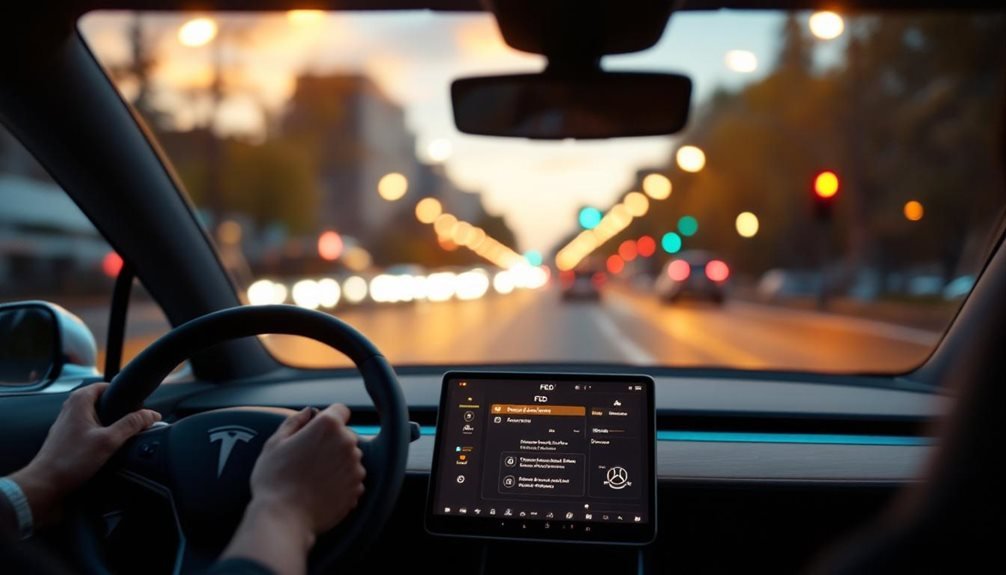
When Tesla’s Full Self-Driving mode needs to stop, drivers have several ways to take back control of their vehicle. They can press the brake pedal, use the right scroll wheel button on the steering wheel, or manually steer. The system also stops if someone opens a door or trunk, releases their seatbelt, or leaves the driver’s seat.
Getting FSD running again isn’t as simple. Tesla requires the car to be stationary before drivers can restart the feature. They’ll need to touch and hold the Start FSD button on the touchscreen. Sometimes the system asks them to press the brake pedal first.
Restarting FSD requires a full stop and holding the touchscreen button.
The car tells drivers when FSD stops working. They’ll see messages on the screen and hear chimes. Tesla’s system reminds drivers they must take control right away. If cameras get blocked or sensors fail, the car warns drivers about these problems too. When a critical red error appears during driving, the full self-driving system becomes completely unavailable and displays a gray steering wheel icon.
When FSD won’t work properly, drivers have several reset options. They can hold both steering wheel scroll wheels for ten seconds to reboot. In the service menu, they’ll find more choices like pressing the red Exit button or unlocking the gateway by pressing the brake and right turn signal together. Some drivers park and lock their cars for an hour to let the system reset itself.
Tesla’s FSD has built-in safety limits. The feature won’t work if sensors can’t see clearly. Drivers must stay alert and ready to take over at any time. Environmental conditions like heavy rain or snow affect how well the system works. Cars without traditional steering column stalks operate differently from older models. The system won’t activate at speeds above 85 mph limit, preventing engagement during high-speed highway driving. Additionally, Tesla’s offgrid supercharger innovation enhances the overall driving experience by providing charging solutions in remote locations. This technology allows drivers to recharge their vehicles even when traditional charging infrastructure is unavailable, further reducing range anxiety. As a result, Tesla continues to push the boundaries of electric vehicle capabilities while ensuring safety remains a top priority.
After FSD stops, drivers control the car manually until they can restart the system. They should check that all sensors can see clearly before turning FSD back on. Sometimes the car’s infotainment system needs a separate restart. Tesla sends software updates that can fix problems with FSD. The system requires constant driver attention through torque sensors and cameras to ensure proper supervision during operation.
The system’s automatic emergency braking can stop the car without warning in dangerous situations. This safety feature works separately from regular FSD operations and helps prevent crashes.