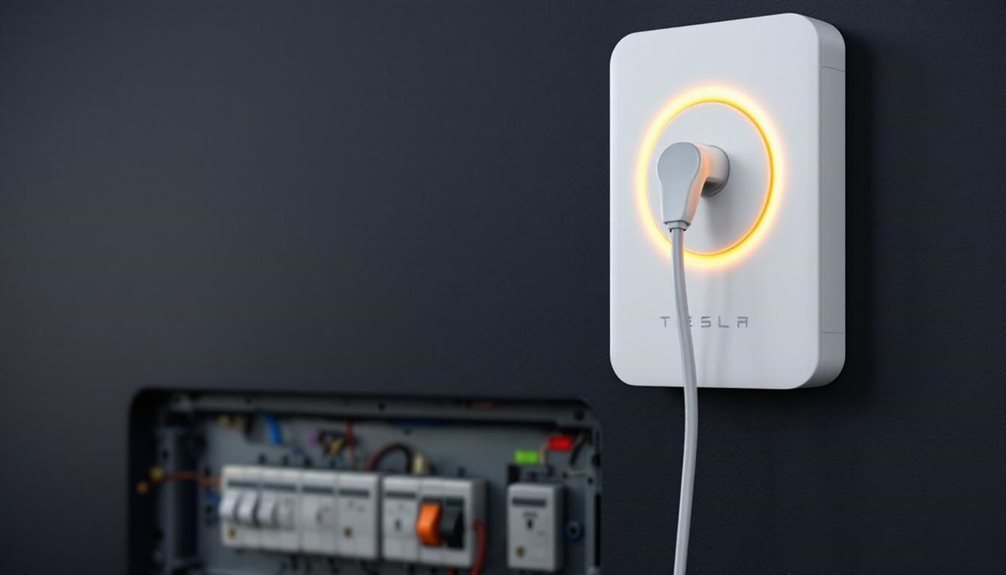
Tesla Wall Charger issues usually boil down to five culprits. Power problems top the list—try cycling the circuit breaker for ten seconds. Error codes like CC_a003 mean GFCI trips, while CC_a004 signals internal failures. Cable connections matter more than people think. Wi-Fi glitches prevent firmware updates, and yes, these chargers need internet like everything else. Physical damage or repeated breaker trips mean professional help. The solutions vary wildly depending on what’s actually broken.
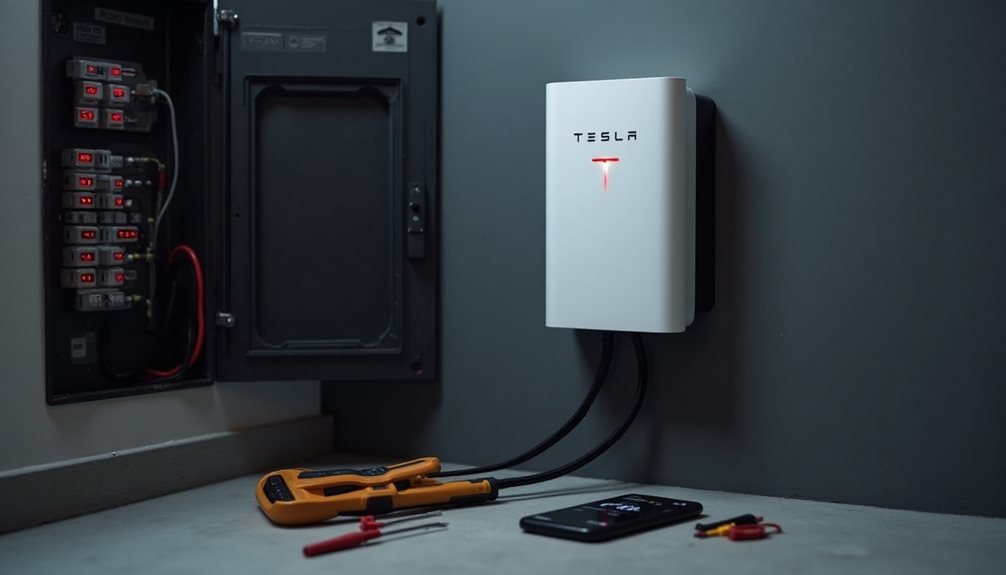
Tesla Wall Charger owners know the frustration. The sleek device promises convenient home charging, then decides to throw a tantrum at the worst possible moment. Dead battery, important meeting tomorrow, and the charger just sits there doing absolutely nothing.
First things first—most problems stem from power issues. Cycling the circuit breaker sounds almost insultingly simple, but it works. Ten seconds off, flip it back on. Sometimes technology needs a good old-fashioned timeout. Check if the dedicated circuit breaker tripped while you weren’t looking. These things happen.
Sometimes technology needs a good old-fashioned timeout—ten seconds off, flip it back on, and let the magic happen.
The front panel indicator lights actually mean something beyond pretty decoration. Solid green means ready to charge. Red screams error. Alternating colors indicate charging status, assuming everything cooperates. When the lights start acting weird, the charger is trying to communicate. Listen.
Error codes love making appearances at inconvenient times. CC_a003 means the GFCI tripped due to ground fault issues. Reset the breaker or call an electrician if problems persist. CC_a004 signals internal component failure—contactors or thermal sensors gave up. Professional repair required, unfortunately.
Cable connections deserve scrutiny too. Ensure the charging cable seats properly in both the charger and vehicle ports. Loose connections cause mysterious failures that drive owners crazy. Test with another Tesla if possible to rule out vehicle-specific gremlins.
Connectivity issues plague many installations. The charger broadcasts Wi-Fi for five minutes after power-up, then stops being helpful. Hold the charging handle button for five seconds to restart this process. Access settings through 192.168.92.1 or the Tesla app when everything cooperates. WiFi connectivity is required for Tesla Wall Connector Generation three for over-the-air updates.
Weak Wi-Fi signals interfere with remote management and automatic firmware updates. Firmware updates happen automatically via Wi-Fi, version 1.4.2-0 being common on newer units. Sometimes updates stall completely, requiring Tesla support intervention.
Scheduled charging conflicts between charger and vehicle settings create confusion—review timing overlaps carefully. Physical failures demand professional attention. Contactor malfunctions prevent charging entirely. Thermal sensor disconnections trigger safety shutdowns.
Visible cable damage requires immediate replacement to prevent electrical shorts. Repeated GFCI tripping indicates serious electrical faults needing expert diagnosis, not weekend DIY enthusiasm. Load sharing networks allow up to three Wall Connectors to be paired with a single primary unit for multiple vehicle charging. For apartment dwellers without home charging options, Tesla has expanded urban Supercharging stations as an alternative solution.
Frequently Asked Questions
Can I Install a Tesla Wall Charger Myself or Do I Need an Electrician?
Installing a Tesla wall charger yourself is technically possible, but most regions require a licensed electrician for 240V+ installations. The person would need serious electrical knowledge, specialized tools, and must pull permits anyway.
Sure, they could save a few hundred bucks on labor, but one mistake with high-voltage wiring means potential circuit damage or worse. Local codes basically force the electrician route.
What’s the Difference Between Tesla Wall Connector and Mobile Connector?
The Wall Connector charges at 70 km/h while the Mobile crawls at 5 km/h.
Wall needs professional installation and costs $475, but it’s stuck at home.
Mobile is plug-and-play at $230 and travels anywhere with standard outlets.
Wall uses 240V circuits for overnight charging.
Mobile limps along on 120V household plugs for emergencies.
One’s fast and permanent, the other’s slow and portable.
How Much Does It Cost to Run a Tesla Wall Charger Monthly?
Running a Tesla Wall Connector typically costs $39-$57 monthly, depending on the model and local electricity rates. That’s roughly a 20-30% bump in electric bills.
The actual damage varies wildly – some folks see $50, others hit $75. Regional electricity rates make the difference.
Smart drivers use time-of-use plans for off-peak savings, cutting costs up to 50%.
Solar panels? Even better.
Can Non-Tesla Electric Vehicles Use a Tesla Wall Charger?
Non-Tesla EVs can use Tesla Wall Chargers, but it’s complicated. Gen 1 units work with dip switch adjustments—totally doable but annoying.
Gen 2 models? Locked down tight, basically useless for other brands.
Gen 3 is the sweet spot, offering universal charging through software settings during setup.
All generations use Type 2 connectors, so compatibility exists.
Tesla won’t help troubleshoot non-Tesla vehicles though.
What Electrical Requirements Are Needed for Tesla Wall Charger Installation?
Tesla wall chargers need 240V power and draw 32-60 amps depending on settings.
A 60A circuit delivers the fastest 48A charging at 11.5 kW.
Wire sizing matters – 8 AWG handles up to 55A, but 6 AWG is required beyond that threshold.
Don’t forget the ground wire and proper conduit protection.
Circuit breakers must match the charger’s amperage.
Professional installation typically requires permits.