
Tesla charging failures typically boil down to four culprits: hardware problems like frayed cables or busted charging ports, power source issues including voltage swings or tripped breakers, software bugs that mess with charging protocols, and battery factors such as extreme temperatures or degraded capacity. Sometimes it’s as simple as a loose connection. Other times, the Supercharger itself decides to take a nap. The fixes range from basic troubleshooting to complete component replacement, depending on what’s actually broken.
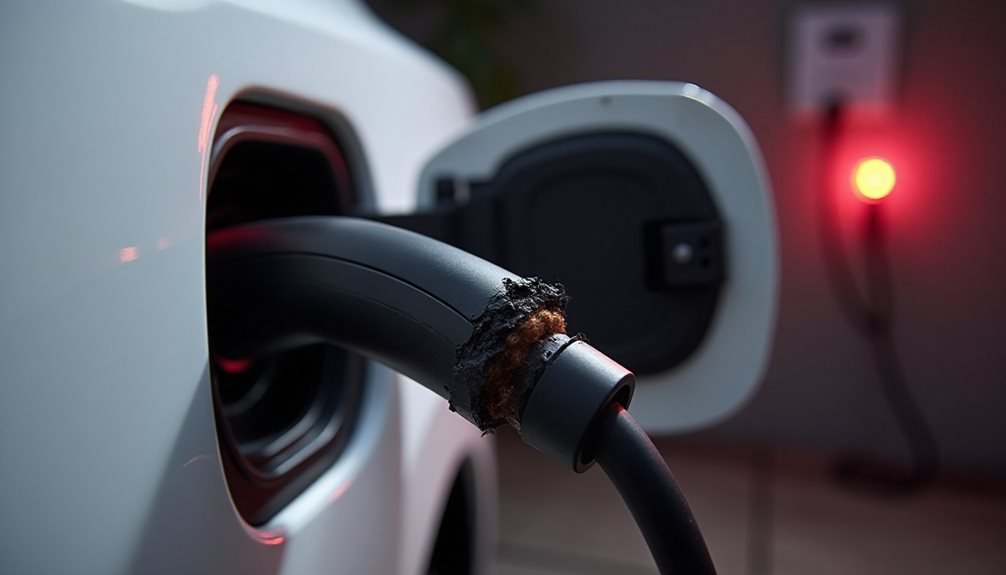
Nothing ruins a Tesla owner’s day quite like approaching their sleek electric vehicle only to find it hasn’t charged overnight. The culprit could be lurking anywhere in the charging ecosystem, from damaged hardware to finicky software glitches.
The charging ecosystem holds countless culprits ready to sabotage your Tesla’s overnight power session when you least expect it.
Hardware failures top the list of usual suspects. Frayed charging cables, worn connectors, and charging port malfunctions can completely sabotage the process. Sometimes the cable gets stuck, requiring emergency hatch use to manually release it. Wall connector issues from loose wires or overloaded circuits prevent current flow entirely. Misaligned cable insertion might seem obvious, but it happens more than owners care to admit.
Power source problems create their own headaches. Voltage fluctuations destabilize charging processes, while Supercharger stations go offline or develop faulty pedestals. Home outlets suffer from corroded contacts or insufficient capacity. Electrical panels overload when shared circuits exceed their limits. Payment issues can block access to public charging networks entirely. Tripped GFCI outlets can completely cut power to charging equipment without warning.
Software and connectivity glitches add another layer of frustration. Firmware bugs disrupt charging protocols, while failed preconditioning prevents ideal Supercharging speeds. Network connectivity drops interfere with navigation-guided charging setup. Inconsistent firmware updates leave outdated charging control logic running. Bluetooth and WiFi conflicts can block mobile authentication. Regular maintenance at certified Tesla service centers can identify potential problems early before they escalate into major failures.
Battery health factors greatly impact charging performance. Degraded battery capacity triggers reduced charging calibration when losses exceed ten percent. Temperature extremes affect charge efficiency, with ideal performance occurring between 20-30°C. Aggressive fast-charging cycles accelerate electrolyte degradation over time. Manufacturer defects require complete battery replacement. State-of-charge errors from faulty voltage sensors create misleading readings. Tesla’s Sentry Mode requires the vehicle to maintain a minimum battery charge to function, which can impact available charging capacity during monitoring periods.
Charging station-specific issues compound the problem. Supercharger congestion causes temporary reduced amperage allocation during peak hours. Pedestal misalignment from physical damage or vandalism affects charging points. Station software resets get delayed during prolonged unresponsive periods. Account authorization errors fail to recognize Tesla accounts properly.
First-step troubleshooting involves re-plugging cables to reset the station-vehicle handshake. Forcing charger restarts through physical breaker resets helps. Confirming charging port unlock via touchscreen works. Verifying account status through the Tesla app under Charging Services catches payment problems. Attempting alternative outlets isolates power supply issues effectively.
Frequently Asked Questions
How Long Should I Wait Before Calling Tesla Support for Charging Issues?
Tesla owners shouldn’t rush to support immediately. Basic troubleshooting comes first – check port lights, try different cables, clean debris.
Most issues resolve within hours through simple fixes like circuit breaker resets or software updates.
However, if charging problems persist beyond 24 hours across multiple methods, or repeated overheating alerts keep appearing, it’s time to call.
Don’t waste weeks hoping it’ll magically work.
Can Extreme Weather Temperatures Permanently Damage My Tesla’s Charging System?
Yes, extreme temperatures can permanently wreck Tesla charging systems. Charging frozen batteries causes irreversible damage to internal components – the electrolyte literally freezes and breaks stuff.
Heat accelerates chemical aging, slowly killing battery longevity. Cold weather can drain existing range without adding new charge, thanks to stubborn battery management systems.
Temperature swings stress electrical connections too. Nature doesn’t care about warranties.
Does Using Third-Party Charging Cables Void My Tesla Warranty?
Third-party charging cables create serious warranty risks for Tesla owners. The company’s warranty excludes damage from non-approved components, and using uncertified cables can void coverage entirely. Tesla’s policies mirror GM’s strict stance on aftermarket charging equipment.
Non-Tesla cables may cause incompatible charging profiles, potentially damaging the battery or charging port. Only Tesla-approved accessories maintain warranty validity and guarantee proper electrical specifications.
Why Does My Tesla Charge Slower at Certain Supercharger Locations?
Tesla charging speeds vary dramatically between Supercharger locations due to several factors. Older V1/V2 stations max out at lower power than V3’s 250kW capability.
Shared electrical supply means multiple cars slow everyone down. Some locations have crappy grid infrastructure or outdated hardware.
Peak usage times create competition for limited juice. Local voltage supply constraints and faulty stalls also throttle speeds profoundly.
Can I Manually Override My Tesla’s Charging Schedule During Emergencies?
Yes, Tesla owners can manually override scheduled charging during emergencies. The process is straightforward—select “Start Charging” from the touchscreen after plugging in.
If the car’s being stubborn about it, stop charging completely first, then restart manually. The 6-hour pre-conditioning window might delay things, but the override feature exists for exactly these situations.
Pretty simple emergency backup plan.